
Other platforms
How to add Pinterest to your system
This integration requires that you have a Pinterest Company Account.
1
Create Pinterest App
Head to Pinterest Developer Dashboard and create your App. Fill out all required Information and wait on the App to get approved.
2
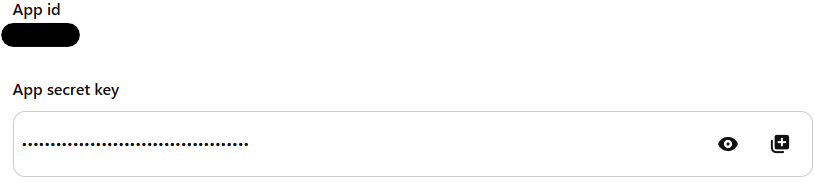
Copy the App ID and Secret
Copy the App ID at "App id" and the Secret Key at "App secret key"
3
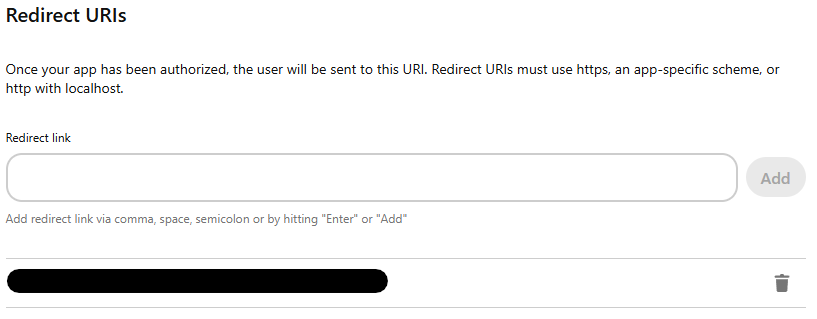
Configure Redirect URI
Your Pinterest OAuth2 Redirect URI:
- Production:
https://your-social-domain.com/integrations/social/pinterest - Local development:
http://localhost:4200/integrations/social/pinterest - Docker:
http://localhost:5000/integrations/social/pinterest
4
Add environment variables
You should now be able to add the Pinterest Provider to your User / Team Account.