
Social platforms
How to add LinkedIn to your system
Create a new app
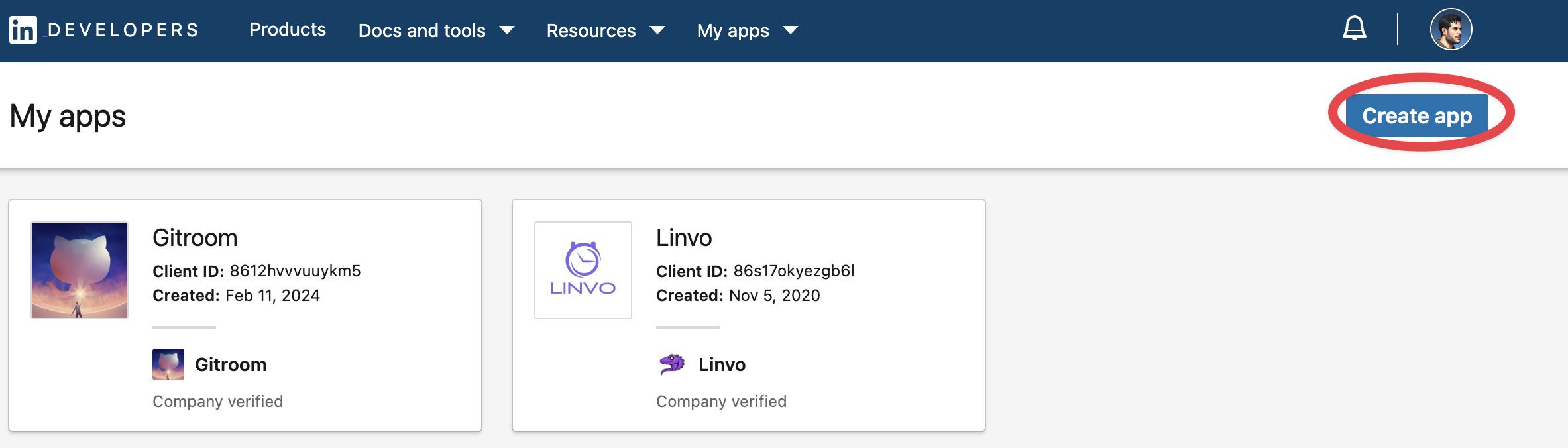
Head over to LinkedIn developers and create a new app.
Add required products
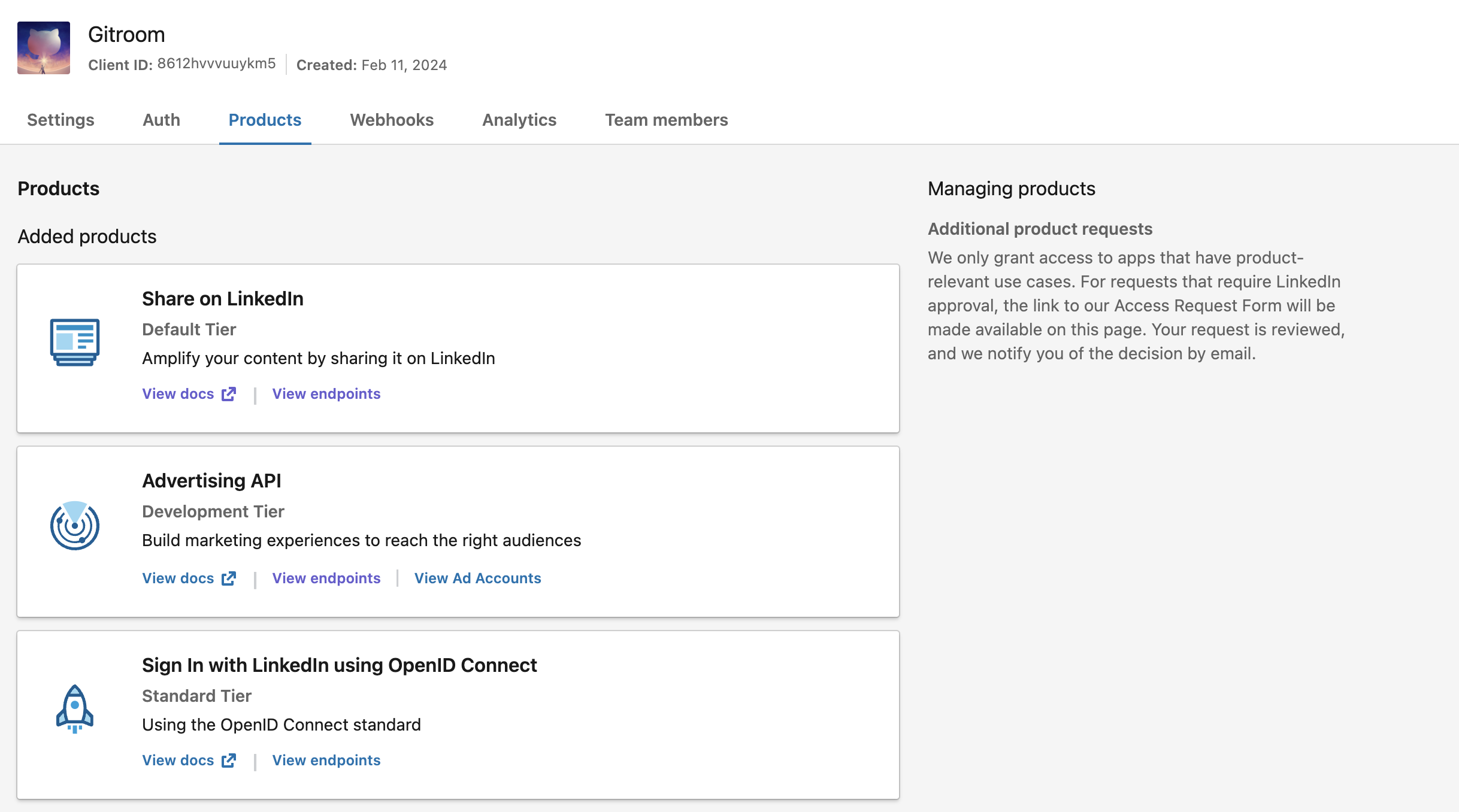
Fill in all the details, once created head over to Products and make sure you add all the required products:
- Share on LinkedIn
- Advertising API
- Sign In with LinkedIn using OpenID Connect
Check the granted scopes
Under the Auth tab of your app, the "OAuth 2.0 scopes" section must list all of the scopes Nitty Music Social requests:
openidprofilew_member_socialr_basicprofilerw_organization_adminw_organization_socialr_organization_social
The last four come from the Advertising API product, w_member_social from Share on LinkedIn, and openid / profile from Sign In with LinkedIn using OpenID Connect.
The organization scopes are required for the regular LinkedIn provider too, not only for LinkedIn Page. Both providers use the same app and the same scope set.
Configure OAuth2 Redirect URI
Your LinkedIn OAuth2 Redirect URI:
- Production:
https://your-social-domain.com/integrations/social/linkedin - Local development:
http://localhost:4200/integrations/social/linkedin - Docker:
http://localhost:5000/integrations/social/linkedin
If you are using the "LinkedIn Page" provider, replace linkedin with linkedin-page in the redirect URI.
Copy your credentials
Copy the created Client ID and Client Secret and add them to your .env file.
You can find those under the Auth Tab of your LinkedIn App in the developer portal.